Use the pen, booleans and live effects as a single drawing flow.
Vector illustration · fan-made reference
Vector illustration, reimagined in pure Rust.
The pen, panels and shortcuts working illustrators expect, in a native app that keeps up with you. Open source, and in your browser too.
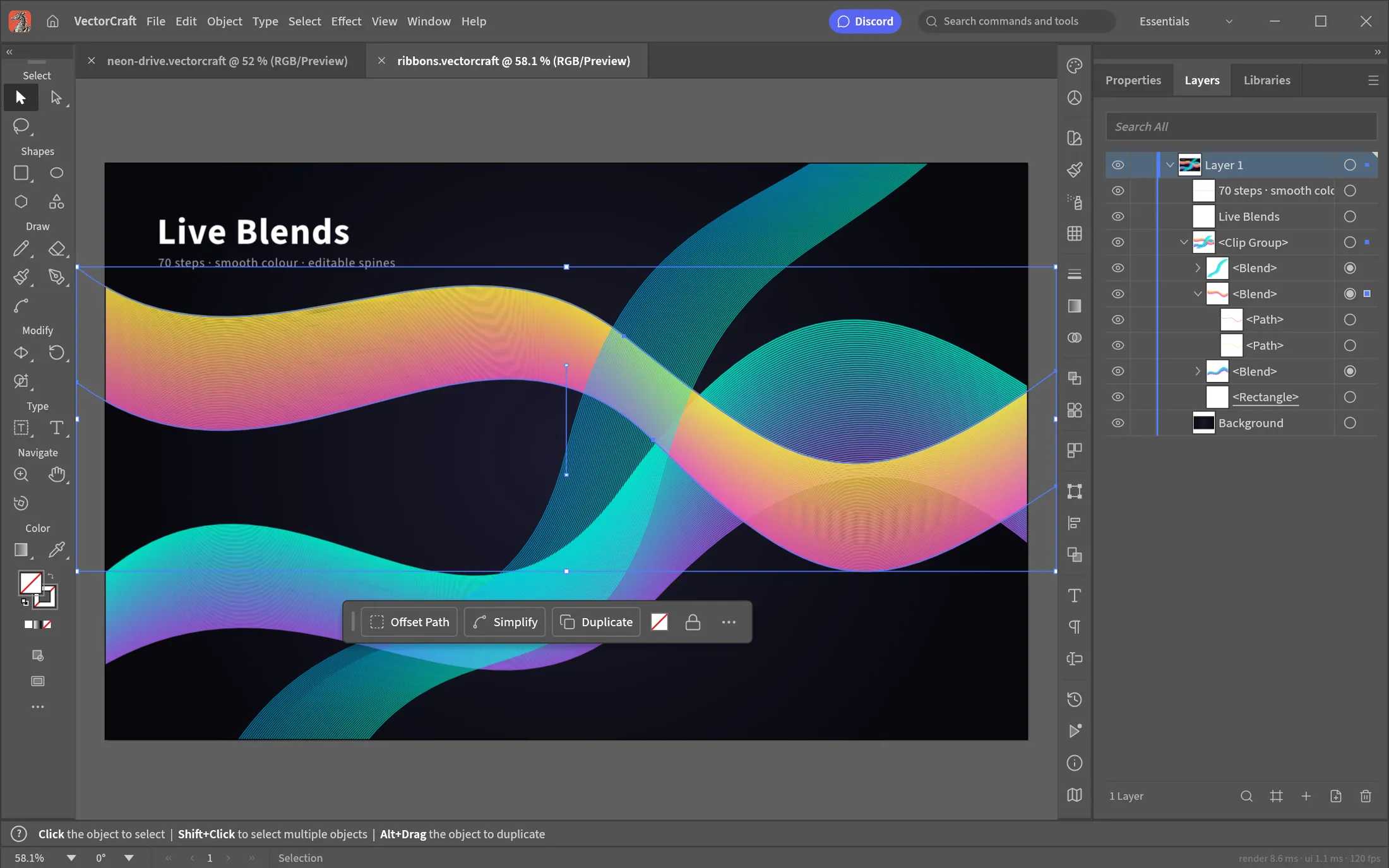
A closer look
See the workflow before you choose it.
01 surface02 control03 handoff
These frames come from the official product page. Read them as a sequence: the surface, the control, then the handoff. The comparison pages and release links below add the practical detail.
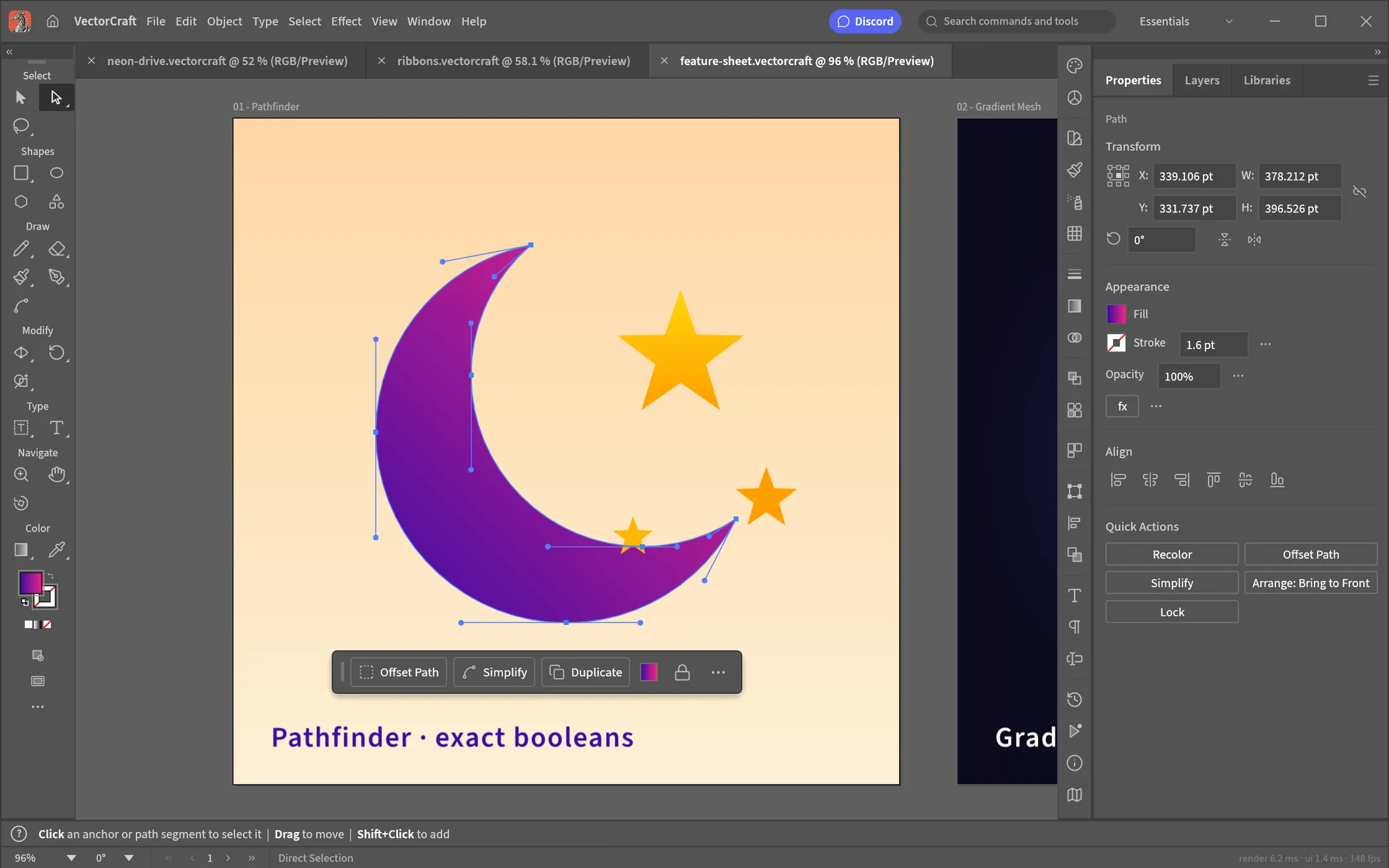
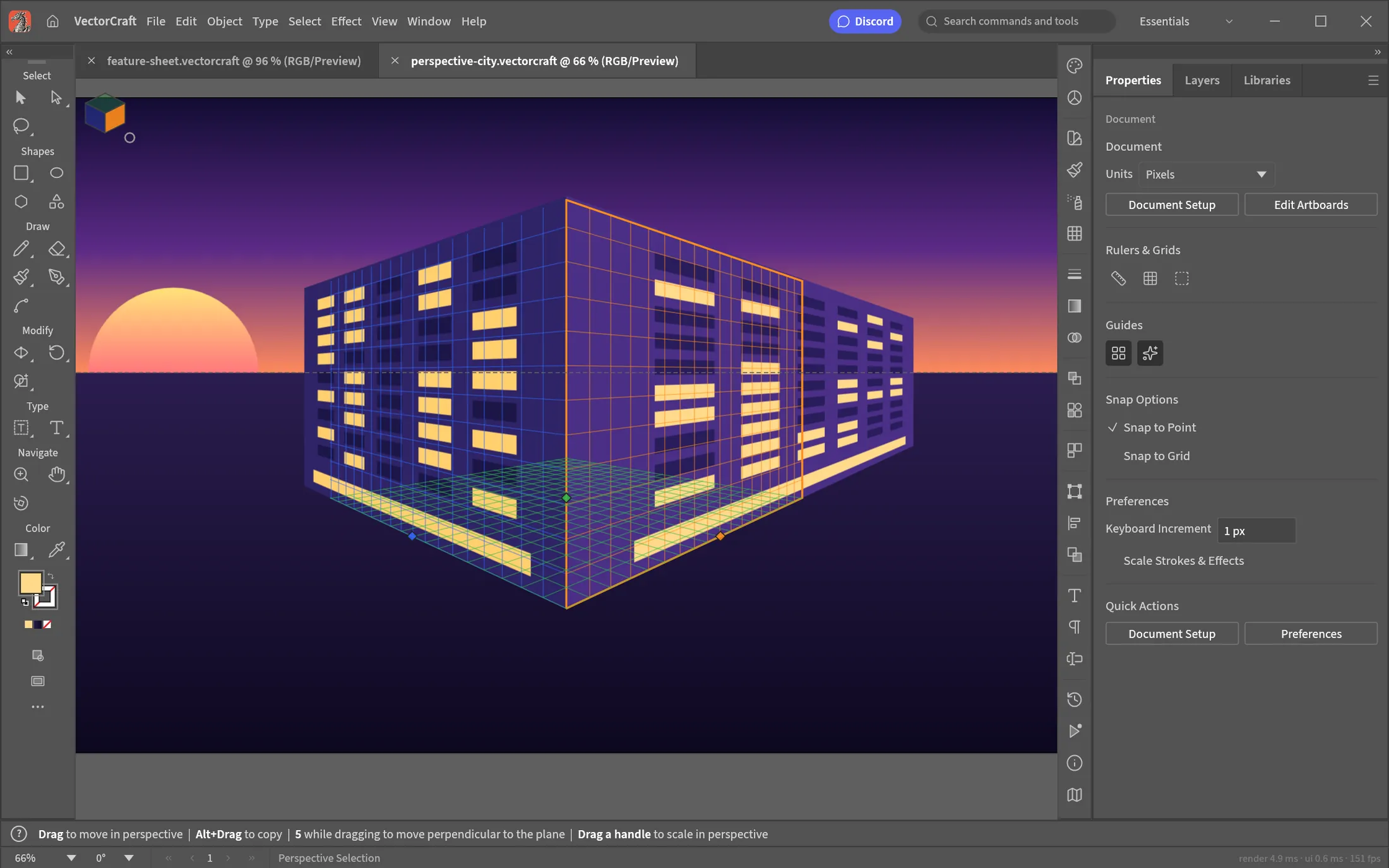
Check the repository for current export support before making a production handoff.
A practical field guide for illustrators comparing a new vector workflow.
Choose a build
release v0.6.0Build paths with the pen, combine shapes with booleans, keep effects editable, and export to open formats such as SVG and PDF.
macOSUniversal disk imageWindows64-bit installerLinuxx86_64 AppImageOther buildsPortable, ARM and checksums
Release links point to the public GitHub release for VectorCraft. Check the release notes and checksum file before installing.
What to verify before you rely on it
practical checklist1. Match the download to your operating system.
2. Read the current release notes for known limitations.
3. Keep a copy of important files before trying a new workflow.
4. Ask questions or report issues in the ArtCraft Discord community or the repository issue tracker.
Using VectorCraft for drawing paths, combining shapes and exporting SVG artwork
helpful search contextIf you are searching for vectorcraft, begin with the task you need to finish: drawing paths, combining shapes and exporting SVG artwork. Then compare the current product page with the public repository, choose the matching build and read the release notes. This page keeps “vectorcraft” tied to a practical decision instead of repeating the term without context.
About VectorCraft
Primary source ↗VectorCraft is presented by ArtCraft as an open-source vector illustration project. The official page lists supported context as macOS · Windows · Linux · Web. This guide keeps the product description close to that source and treats the repository as the place to inspect current code, releases and contribution details.
How this guide was made
editorial methodPrimary sources
Product descriptions are checked against the official VectorCraft page and the public source repository. Those sources remain the authority for current releases, support and licensing.
Independent editors
This page is maintained by independent fan editors. We summarize public material, link to the source of each core claim and avoid presenting ourselves as the product team.
Useful context
Use this guide to decide whether the project fits your workflow. Before installing or relying on it, check the latest release notes, platform requirements and issue tracker at the primary sources.
A sensible first pass
reader-first routeDraw the shape you mean: If you are evaluating VectorCraft: identify the task you need to complete, compare the current capabilities on the official page, then inspect the repository for release status and open issues. This sequence keeps the decision grounded in current evidence rather than a marketing promise.
Editorial boundary: this site does not provide downloads, collect payment information or claim endorsement. Links take you to the source so you can verify the details yourself.
Questions readers ask
What is VectorCraft?
VectorCraft is an open-source vector illustration project in the ArtCraft family. This fan-made guide summarizes public information and links to the primary sources.
Where can I verify the details?
Check the official product page and public source repository. Product status can change; those pages are the authority.
Is this an official website?
No. It is an independent fan-made reference and is not affiliated with or endorsed by the ArtCraft team.